Application Switcher
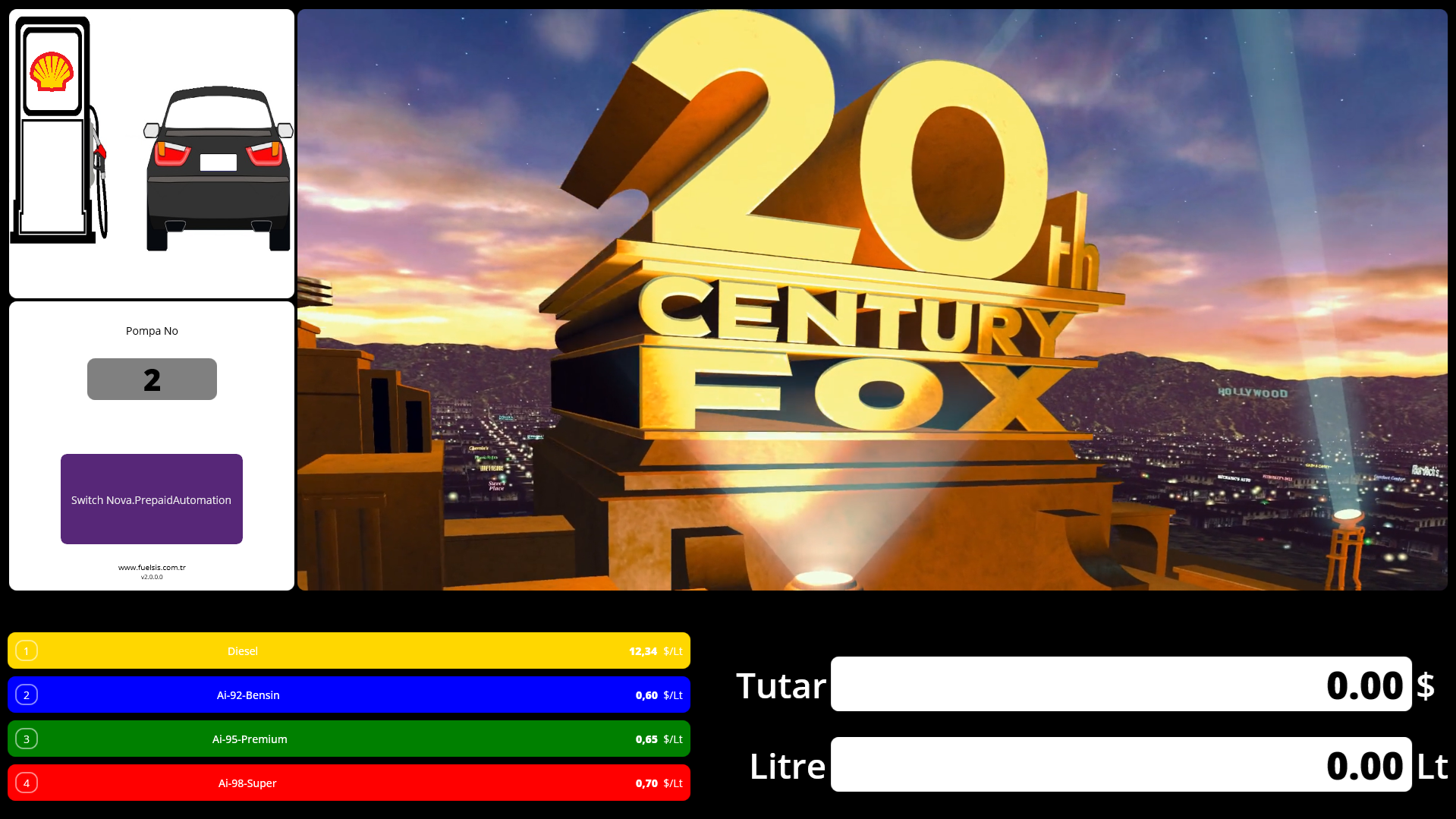
Application Switcher Module
The Application Switcher Module adds a convenient toggle button that allows operators to switch between multimedia entertainment systems and the fuel automation interface without needing to restart applications or navigate complex menus.
Key Features
One-Touch Switching
Switch between your multimedia entertainment system and Nova automation with a single button press. No need to minimize windows, close applications, or navigate through system menus.
Context Preservation
When you switch back to Nova, your session state is preserved exactly as you left it. Active sales, pump authorizations, and shift data remain intact.
Customizable Hotkeys
Configure keyboard shortcuts for even faster switching. Set up your preferred key combinations to match your workflow.
Multi-Monitor Support
Works seamlessly with multi-monitor setups. Dedicate one screen to entertainment while keeping Nova visible on another, or switch both screens simultaneously.
Use Cases
- Quiet Periods: During slow business hours, operators can watch multimedia content while still being ready to handle customers instantly
- Training: Switch between training videos and the live system for hands-on learning
- Announcements: Display promotional content on customer-facing screens while maintaining automation access
Technical Requirements
- Windows 10/11 operating system
- Minimum 4GB RAM recommended
- Compatible with most multimedia applications (VLC, web browsers, media players)
Installation
Please install by selecting the Application Switcher module via nova-installer.